A tribute to the iconic Radio Shack robot.
Rediscover Radio Shack’s talking robot from the 1980s. Explore his history, browse the photo collection, and find practical tips and the original owner’s manual.
© 2026 RobieJunior.com. All rights reserved.
About
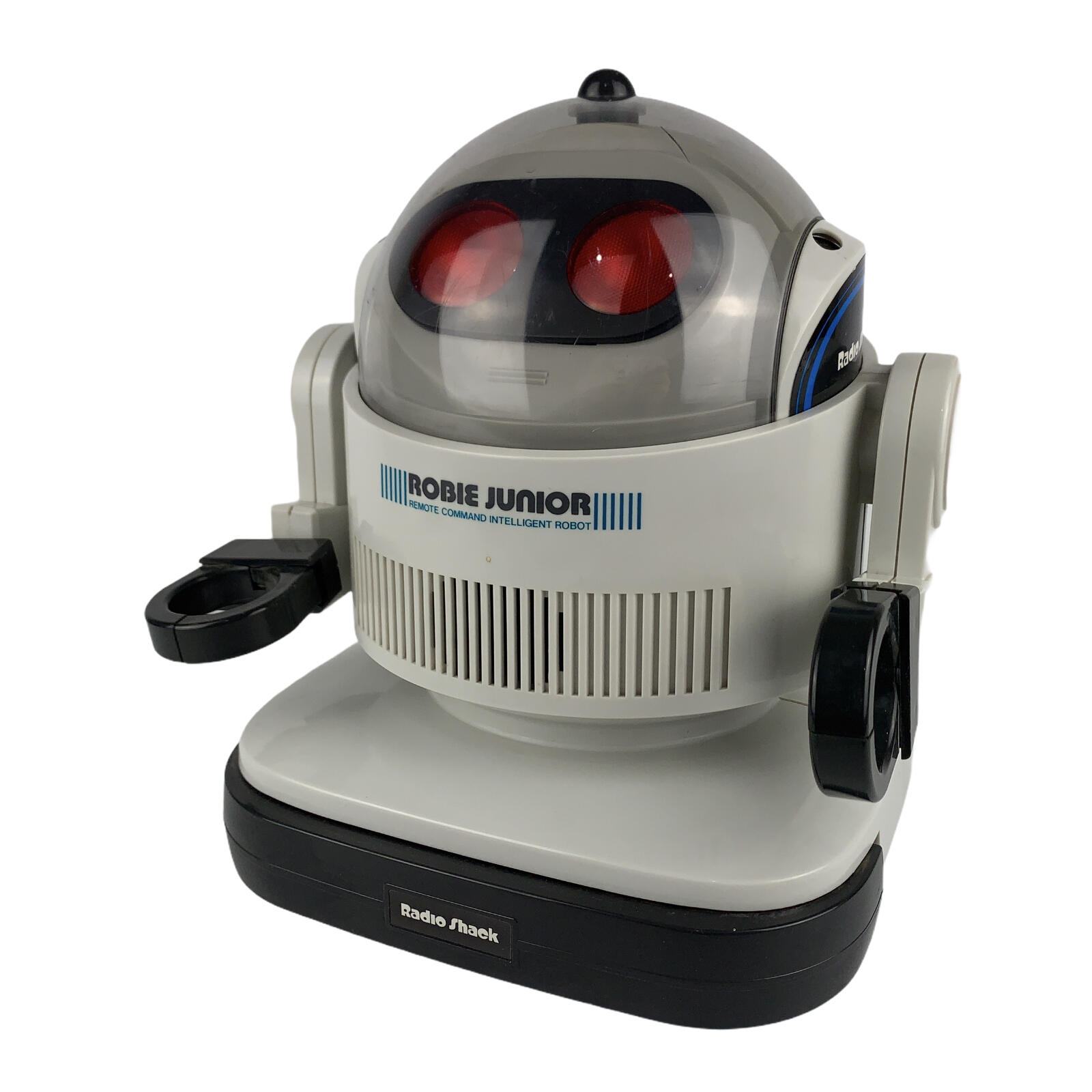
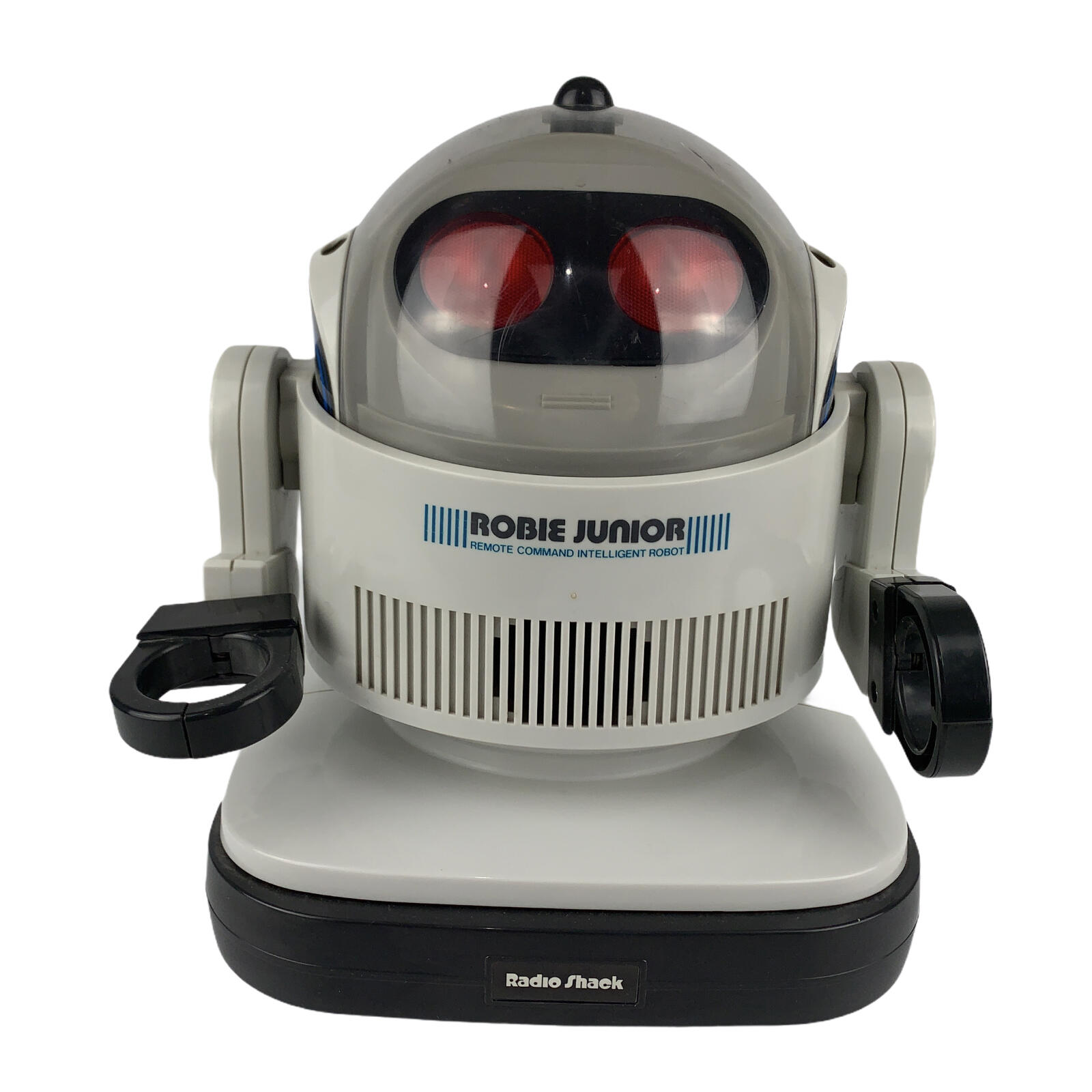
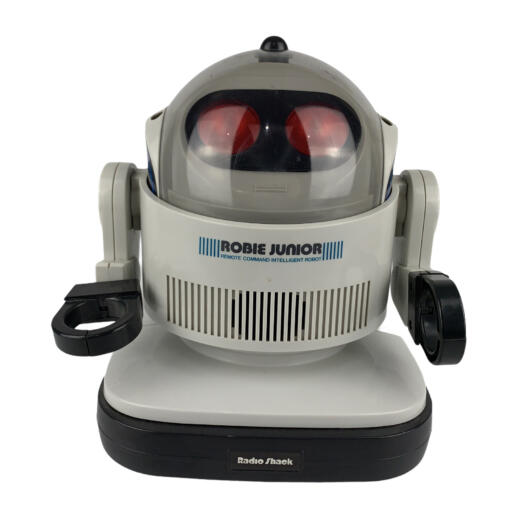
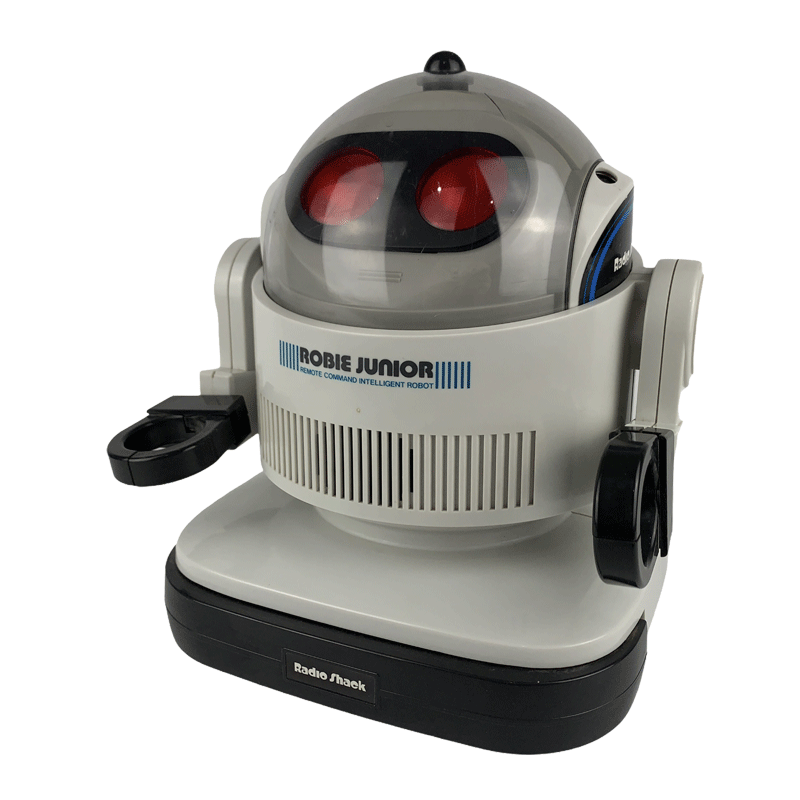
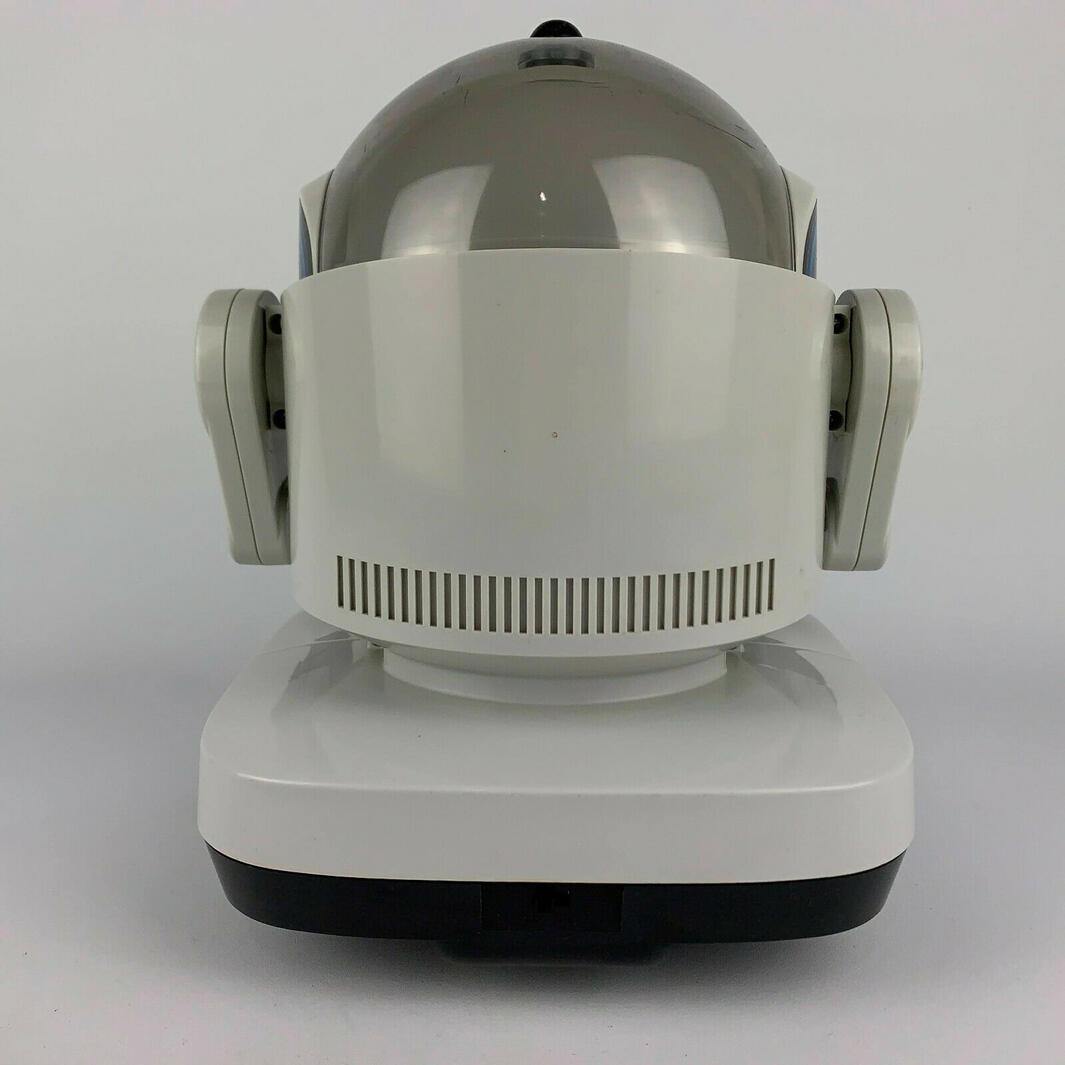
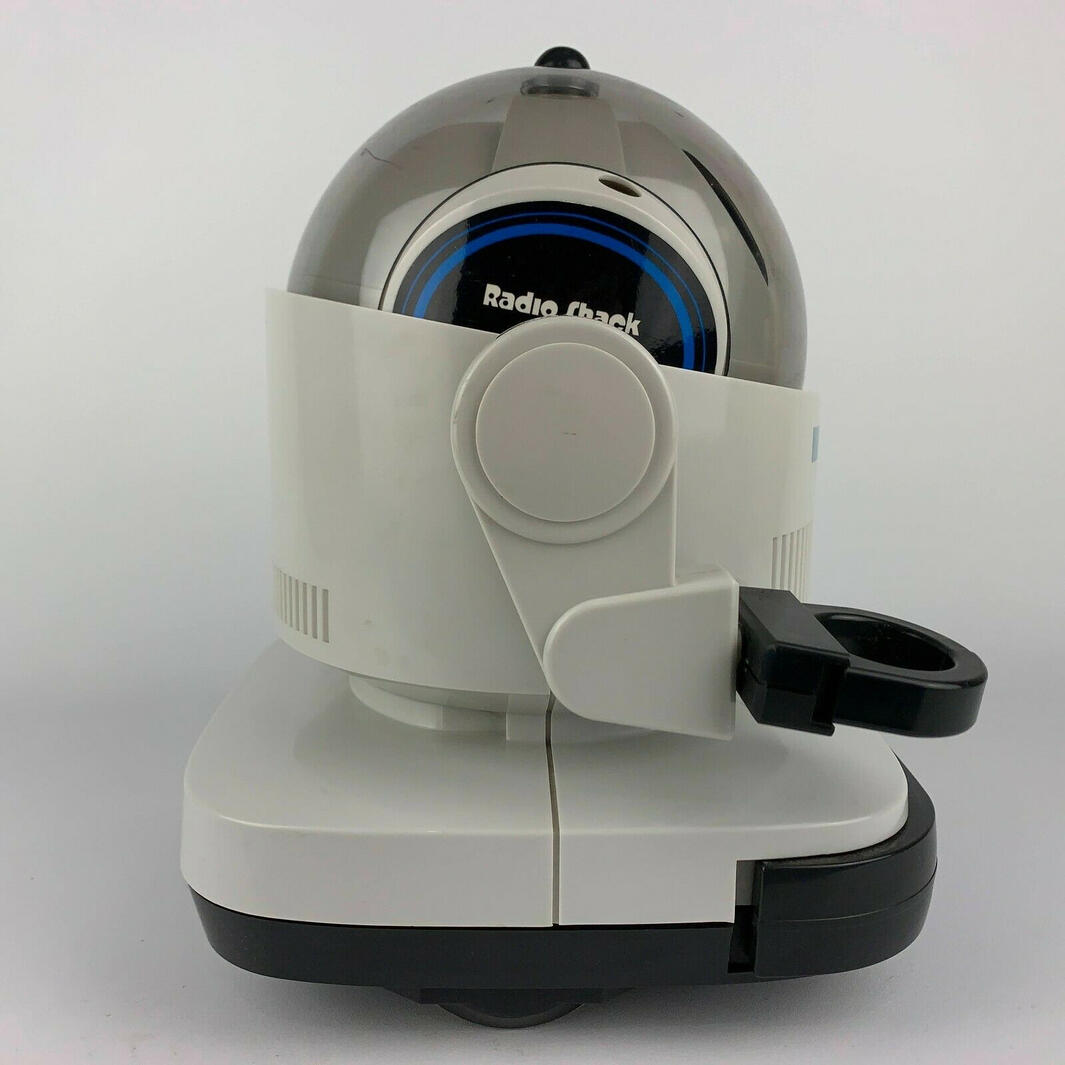
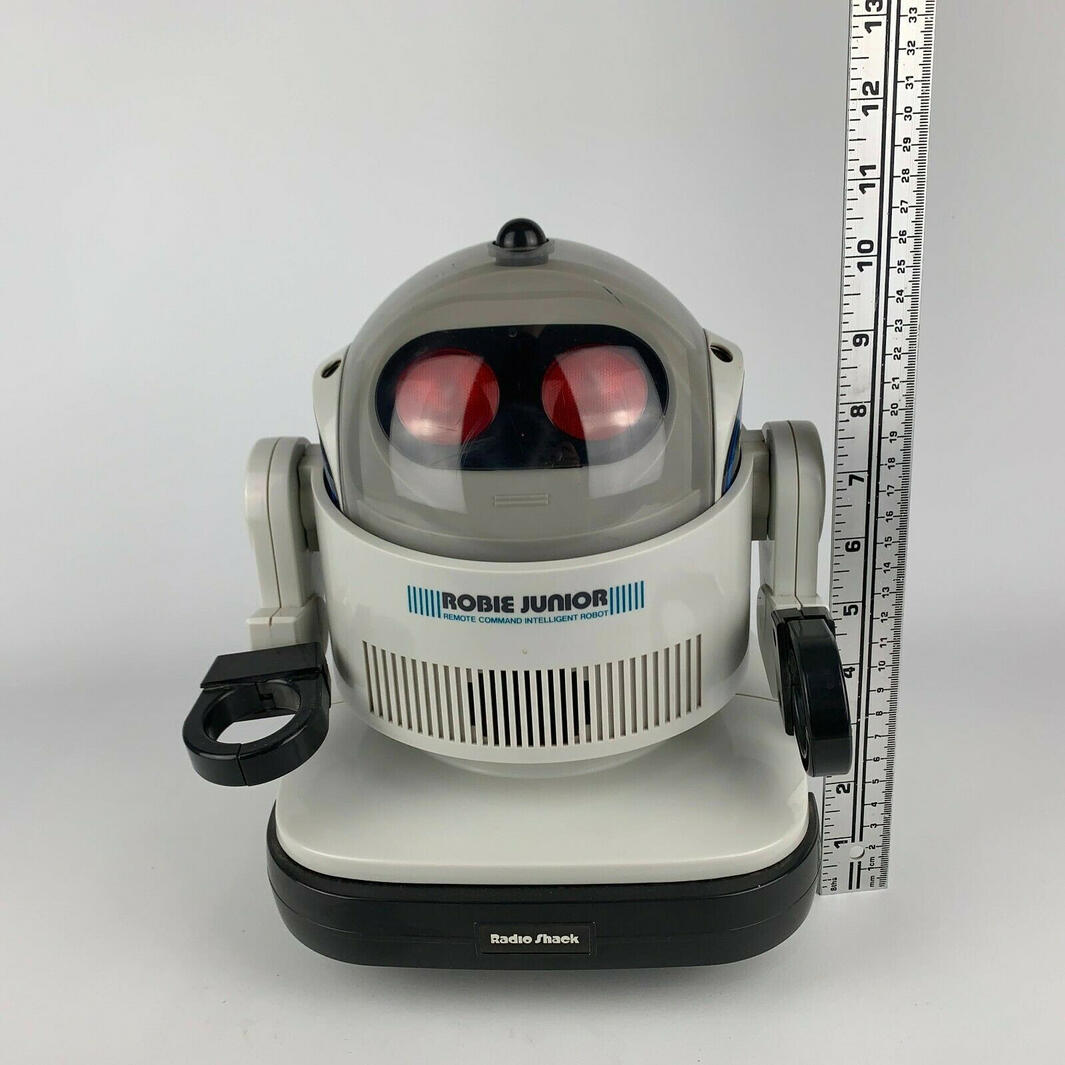
Meet Robie Junior: Radio Shack’s talking, tray-carrying robot from the 1980s. With his red eyes, rounded body and playful responses, he brought a little science-fiction charm into the home.Robie uses an ultrasonic handheld controller. You can steer him, switch between STAY and WALK modes, or use FOLLOW to have him move towards the controller. His bumper responds to contact by triggering speech and a change of direction.His personality comes from built-in phrases and behaviours. He can greet you, react when an arm is pressed, and sometimes turn a game of follow into a game of chase. The arms are positioned by hand, and the removable tray holds small, lightweight items.This site celebrates Robie Junior through photographs, practical operating notes and original documentation. Whether you remember him from a catalogue or are discovering him for the first time, welcome to the collection.
History
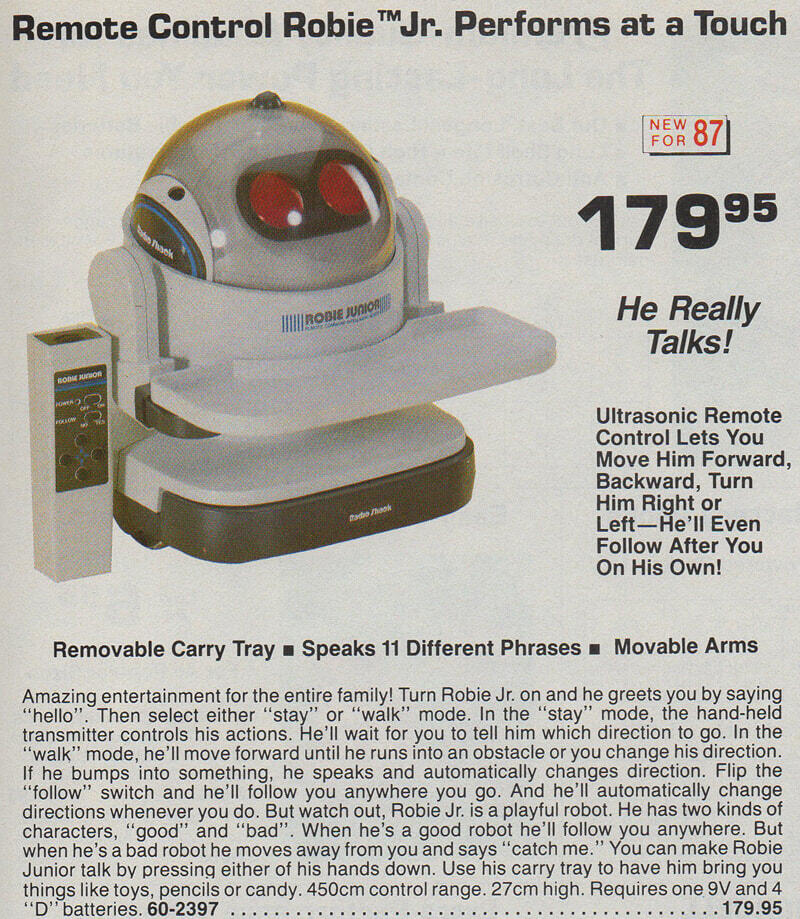
A little future, straight from the catalogueRadio Shack featured Robie Junior as “New for ’87” in its 1987 catalogue.The catalogue lists model 60-2397 at $79.95 and promotes his speech, ultrasonic remote, movable arms and carry tray. Prices in other countries and later promotions could differ; a price should always be read with its catalogue, year and market in mind.Robie Junior was the smaller talking companion in Radio Shack’s robot range. The same catalogue page shows the larger Robie Sr., whose cassette-programming and recording features were different from Junior’s built-in responses.Explore the 1987 Radio Shack catalogue, printed page 109 and the original owner’s manual.
Features
Small robot. Plenty of personality. Here’s what Robie Junior could do.Move at your command
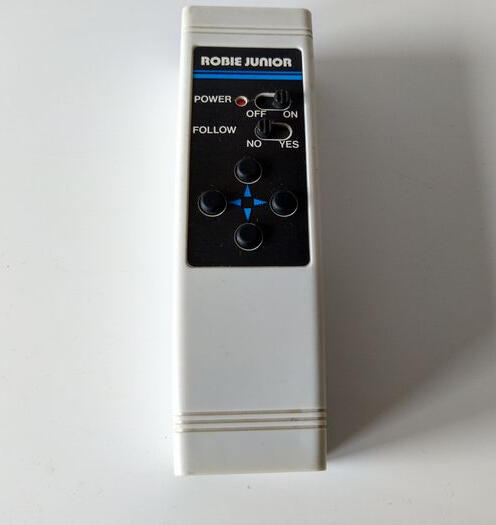
The ultrasonic remote controls forward and backward movement and left and right turns. In STAY mode, Robie waits for input; in WALK mode, he rolls forward between commands.Follow — or play chase
The FOLLOW setting makes Robie move towards the controller. In WALK mode, his playful behaviour can also send him away for a game of chase.React to a bump
Contact with the front bumper triggers a spoken response and a change of direction. This is a contact response, not room mapping or advance obstacle detection.Talk and light up
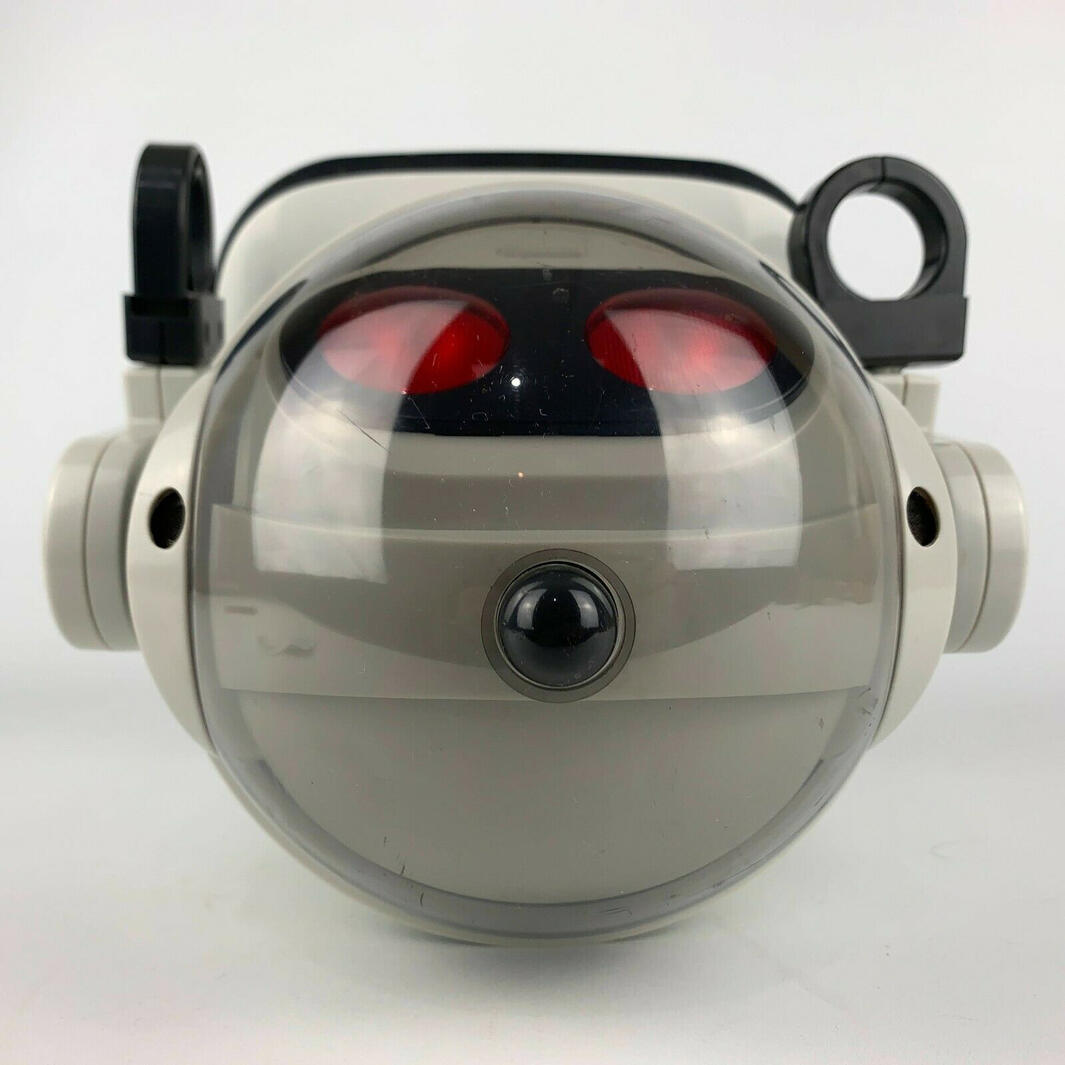
Built-in phrases respond to the controls, arms and bumper. The red eyes light differently as Robie moves and turns.Carry small treasures
Position the arms and wrists by hand to fit the tray or hold a lightweight item. Use the tray on a smooth, hard floor and follow the load limit in the manual.See the FAQs for operating details or open the owner’s manual.
FAQs
Getting startedWhat batteries does Robie Junior use?
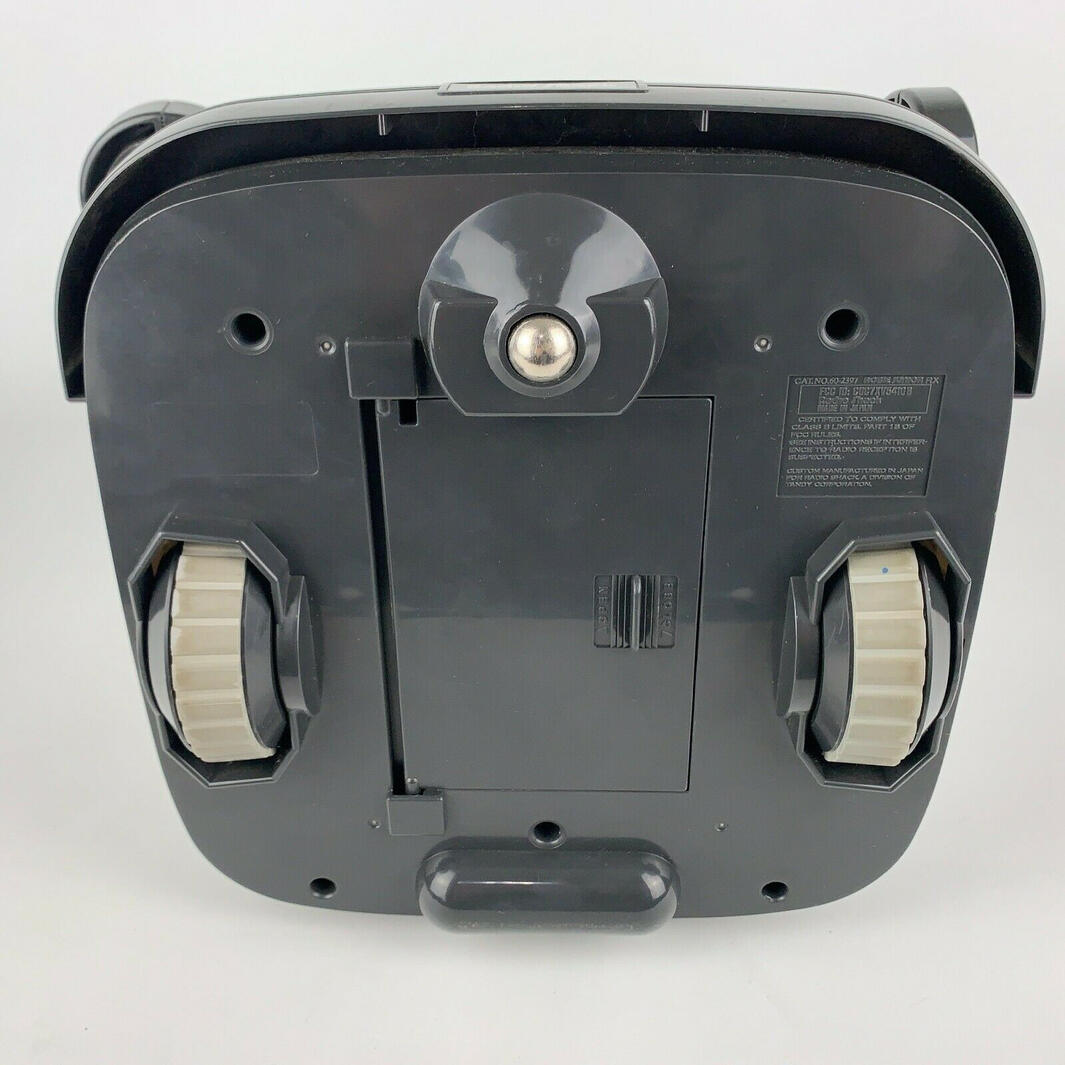
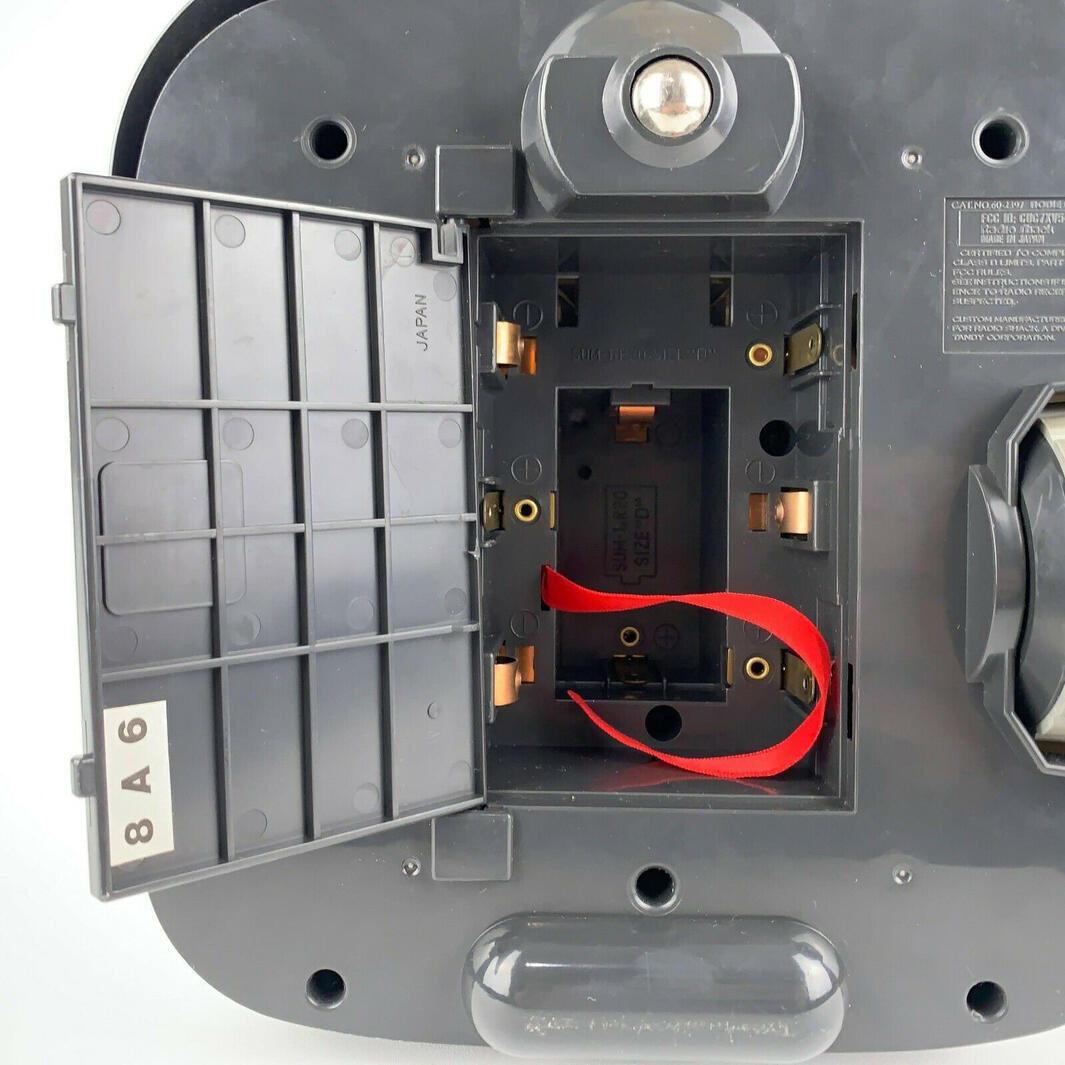
The robot takes four D batteries. The handheld controller takes one 9V battery. Check polarity when fitting them, and remove batteries before long-term storage.How do the power and mode switches work?
The robot and controller each have a power switch. The button on Robie’s head switches between STAY and WALK modes.What happens in STAY mode?
Robie starts in STAY mode when powered on. Use the remote to move forward, reverse or turn. With FOLLOW set to YES, he can follow the controller without a direction button being held.What happens in WALK mode?
Robie moves forward between commands. You can still steer or reverse with the remote. Press the head button again to return to STAY mode. With FOLLOW enabled, his playful behaviour can sometimes make him move away before returning to following.How does the controller work?
It sends ultrasonic signals to receivers on the robot. Aim the transmitter towards Robie. The direction buttons control movement, and FOLLOW selects following behaviour.What frequency does the remote use?
The owner’s manual confirms ultrasonic control but does not give an exact frequency.Arms, tray and reactionsHow do the arms and wrists move?
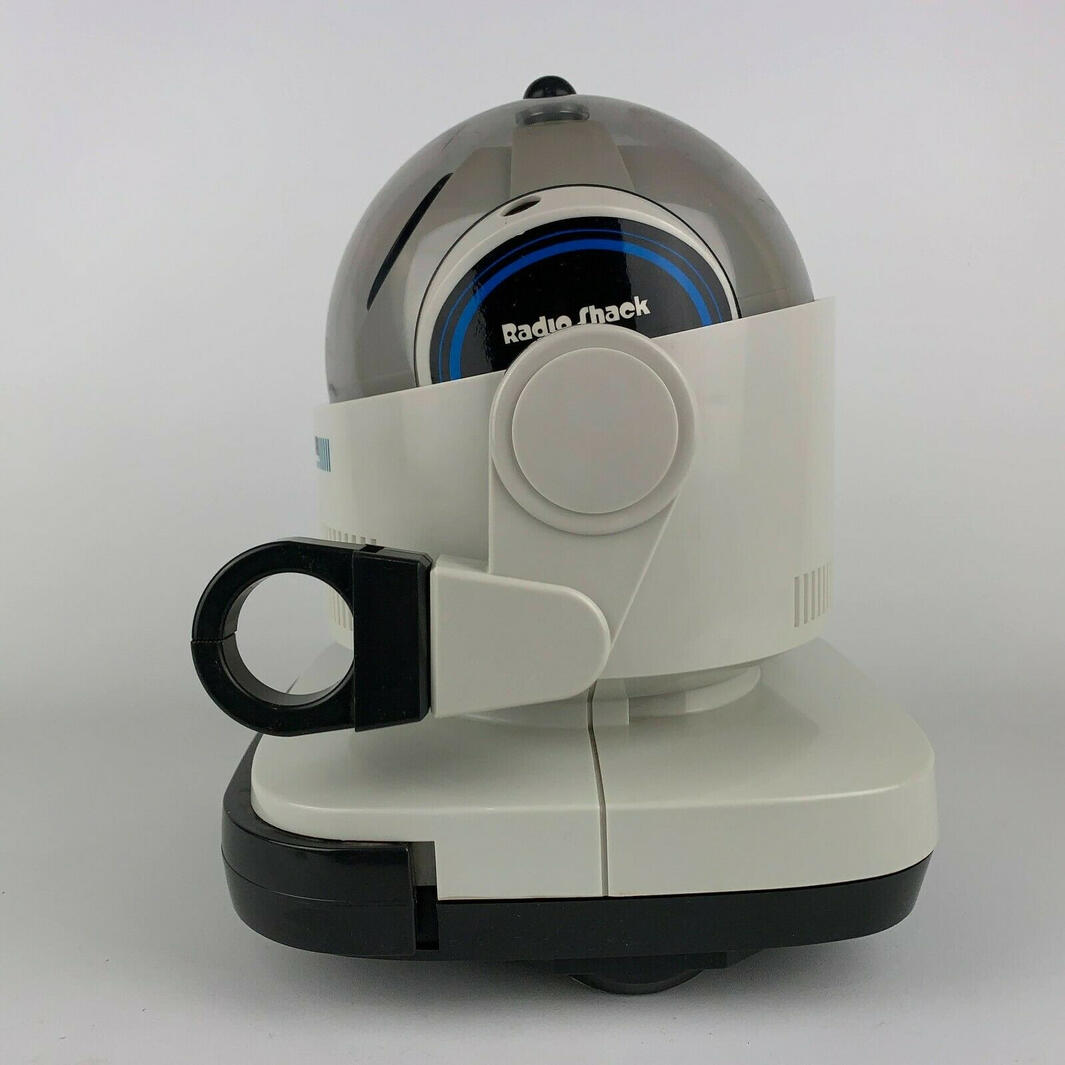
Position them by hand. Each arm rotates through 270 degrees with three click-stop positions; each wrist rotates through 90 degrees. The hand clips can hold small, lightweight items. Turn the wrists inward to attach the tray.How much can the tray carry?
The manual specifies approximately 10 oz (300 g), using its rounded figures. Carry items only over a smooth, hard floor.What happens when you press an arm?
Robie speaks. His response depends on the operating mode and FOLLOW setting.What does the bumper do?
When Robie bumps into an object, he gives a spoken response and changes direction. Pressing the bumper also triggers speech. This works through physical contact, rather than detecting obstacles at a distance.What do the eyes indicate?
Both eyes light during forward movement. The right eye lights for a right turn, and the left for a left turn. Both are off when reversing.What is the speaker for?
It plays Robie’s built-in voice responses.What does Robie Junior say?
Phrases recorded on this site include “Hello,” “I’m Robie Junior,” “That tickles,” “Let’s go!,” “Where am I?,” “Oops, excuse me,” “Okay, I’ll wait,” “I’m coming,” “Catch me!,” “Ouch! That hurts!” and “Come on, let’s play!” Responses depend on the operating mode and controls.Specifications and historyHow big is Robie Junior?
The owner’s manual lists a height of 26.5 cm and a weight of approximately 1.2 kg.How long do the batteries last?
Runtime varies with battery type, movement, floor surface, load and the condition of the robot. The owner’s manual does not specify a guaranteed runtime.When was Robie Junior released?
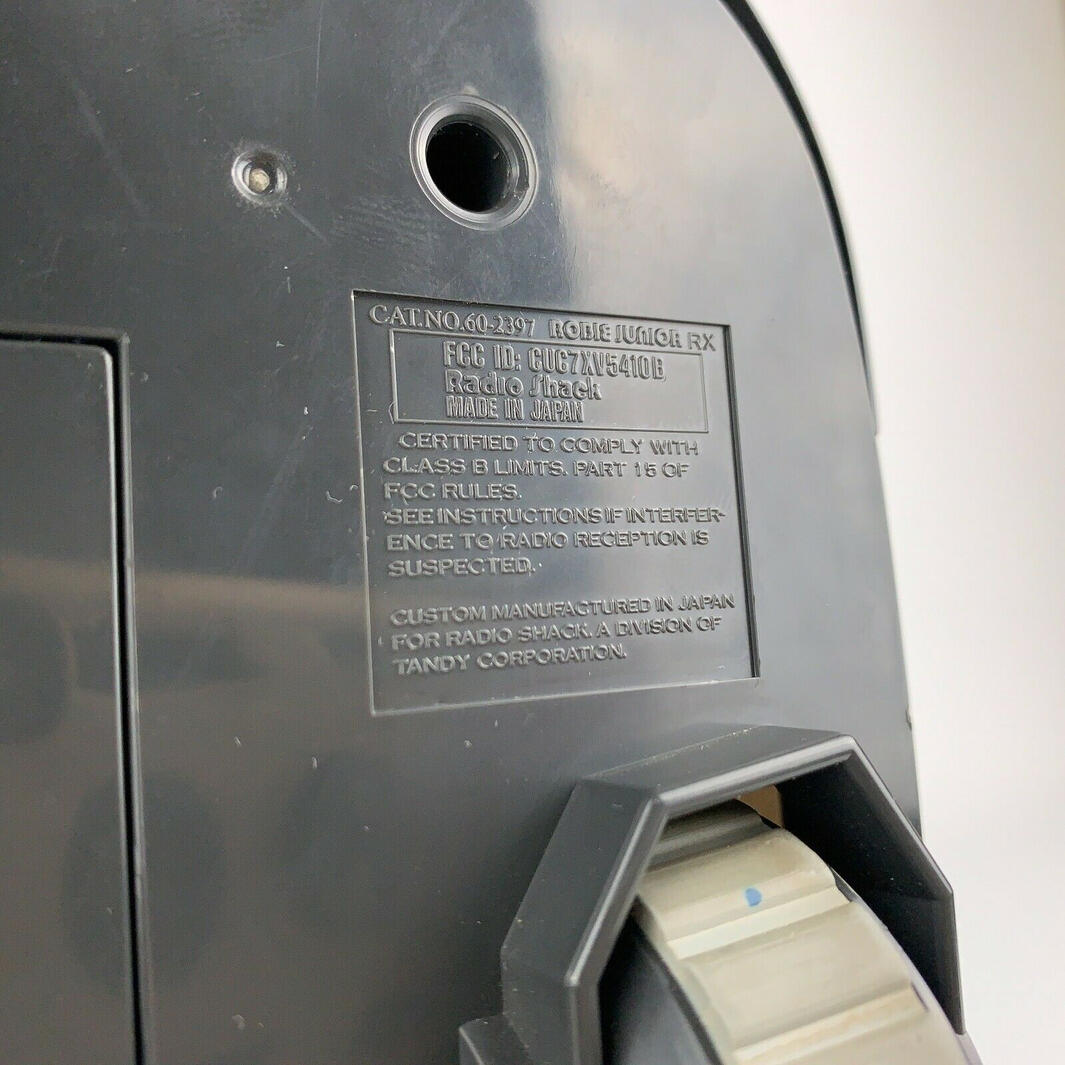
Radio Shack’s 1987 catalogue labels him “New for ’87.” The manual carries a 1986 Tandy copyright. The copyright year and catalogue year are different historical reference points; neither gives an exact first-sale date.How much did he cost?
The 1987 Radio Shack catalogue lists model 60-2397 at $79.95. That is the price in this particular catalogue; other markets and promotions could differ. See the History section for the original catalogue source.What font does this site use for the logo?
The site’s logo artwork uses Puent Bold. This describes the website artwork, not a verified identification of the original manufacturer’s lettering.Where can I find the instructions?
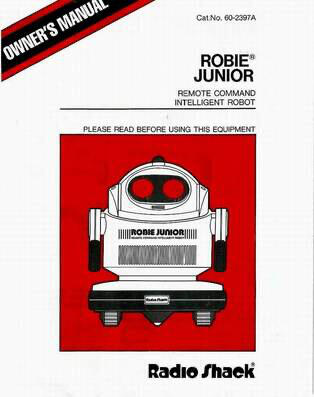
Open the original owner’s manual for the controls, battery installation, operating modes and care guidance. Operating details and specifications are based on its printed pages 2–8.
Manual
Select the cover to open the original Robie Junior owner’s manual as a PDF.